The Scaling Problem: More SKUs, More Photography Costs
Photography is a variable cost that scales directly with catalog size. Each new product requires a physical sample to be produced and shipped to a studio, a studio session to be booked, a photographer and stylist to be on-site, and post-production to deliver final assets. Add color variants, and the cost multiplies again. Add a new channel requirement (say, Amazon demands white-background silo images while your website needs lifestyle shots), and you're back in the studio for a second pass.
At 10 products, this is manageable. At 50 products with three color variants each, the math becomes uncomfortable. At 200 products — a realistic catalog for an established furniture brand — the per-image cost structure of traditional photography becomes a genuine constraint on growth. New product launches are delayed while samples are produced. Seasonal campaigns miss windows because studio availability is limited. New channel requirements (a wholesale buyer wants room scenes, an international distributor needs localized lifestyle images) require entirely new shoots.
The brands that grow their catalogs fastest without disproportionate visual asset spending have almost universally shifted their production model toward CGI. The reason is structural, not aesthetic: a 3D model is a reusable digital asset that generates images indefinitely, while a photography session is a one-time event with no reuse value.
The CGI Solution: 3D Models as Reusable Digital Assets
When a furniture brand commissions a 3D model of a product, they receive a file — typically in OBJ, FBX, or a proprietary format — that represents the product as a detailed, textured digital object. This file is the master asset from which all visual deliverables are derived.
From a single 3D model, a CGI studio can produce:
- Silo images (white background) for Amazon, Wayfair, and wholesale catalogs
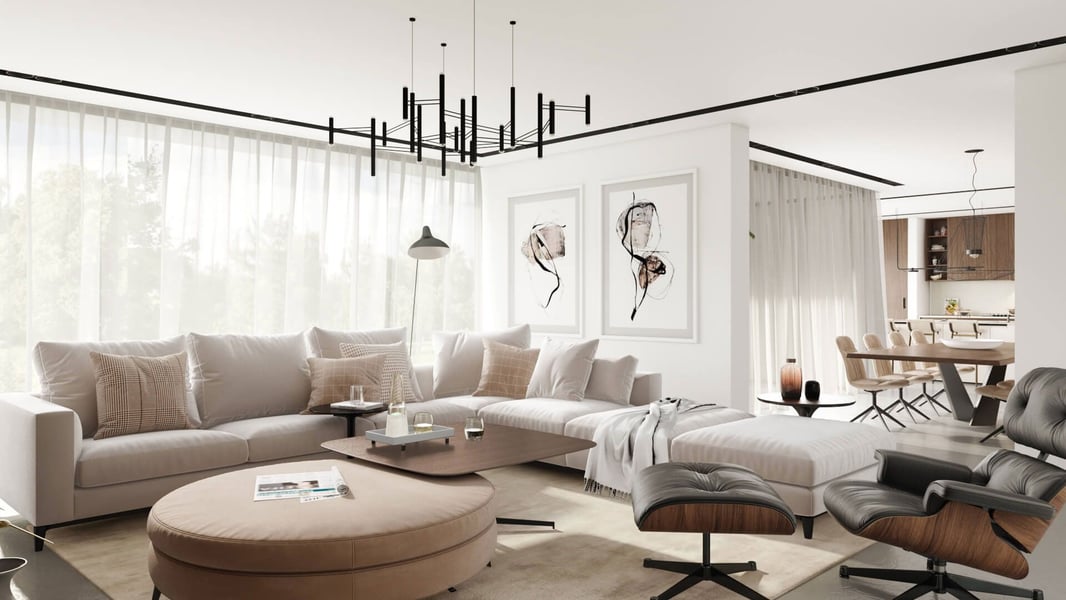
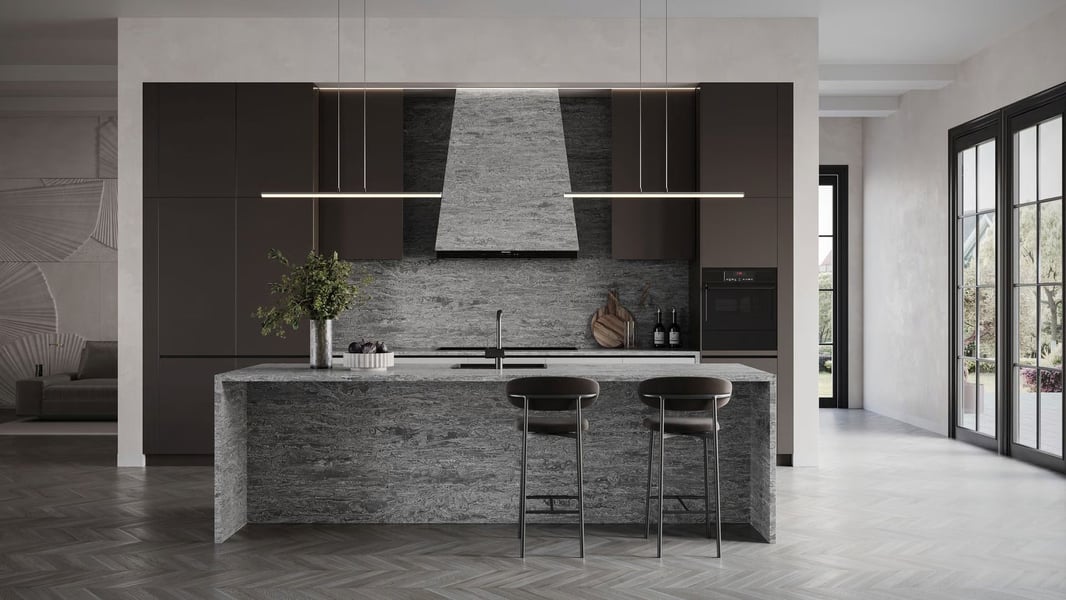
- Lifestyle renders in any room setting, with any lighting mood or seasonal treatment
- 360° spin sets for interactive product views
- AR models (USDZ and GLB) for mobile AR on Shopify and Amazon
- Product animation for Amazon video slots and social media
- Detail close-ups at any zoom level with consistent lighting
- Color and material variants — without re-modeling the geometry
That last point is the core scaling advantage. Once a sofa model is built, switching the fabric from sand linen to charcoal velvet to sage boucle is a texture swap, not a new model. The geometry stays the same. The lighting setup stays the same. The render time per variant drops significantly compared to the first model. This is why brands that invest in 3D modeling see costs per image decline as their catalog grows — the opposite of what happens with photography.
Batch Rendering: How Ordering 20+ Products Changes the Economics
A key difference between small orders and catalog-scale CGI engagements is the batch dynamic. When a studio is set up to render a product — environments selected, lighting calibrated, camera angles established, quality settings configured — rendering one product versus ten products in the same session involves very little marginal overhead per additional product.
For brands ordering 20 or more products in a single batch, the per-unit economics shift substantially compared to one-off orders. Studios can standardize environments, reuse scene elements across multiple products (the same living room backdrop, for example, serves multiple seating pieces), and parallelize rendering across their compute infrastructure. The result is faster turnaround and lower per-unit cost at volume.
This batch efficiency is why catalog refresh projects — where a brand updates imagery for an entire product line simultaneously — are particularly cost-effective with CGI. A photographer can only shoot so many pieces per day and requires a physical sample for each. A CGI studio rendering 30 products in a coordinated batch is limited primarily by compute capacity and file delivery, not physical throughput.
Variant Management: Colors and Materials at Scale
Variant management is one of the most underappreciated advantages of CGI for growing furniture brands. Consider a dining chair offered in 6 fabric options and 3 leg finish options — that's 18 possible variant combinations. With photography, shooting all 18 variants requires either 18 physical samples or expensive reshoots. With CGI, it requires one model and 18 material applications.
The production workflow for variant rendering looks like this:
- The base 3D model is built and approved for geometry and proportions
- Each fabric or finish is mapped as a material using high-resolution texture maps provided by the brand (or sourced from material libraries)
- The studio renders the product in the approved scene setup once per variant, with consistent camera positions and lighting
- All variant images are delivered in a single batch, with consistent framing for clean gallery display on the product page
The consistency produced by CGI variant rendering is something photography rarely achieves — every variant image is lit from the same angle, at the same camera height, with the same white balance. On a product page with a color swatch selector, this creates a polished, seamless visual experience when shoppers switch between options.
Brands that invest in 3D model creation in year 1 report 70–80% lower per-image costs by year 3, as the same models generate new images for new campaigns without re-modeling. The model becomes a long-term asset, not a one-time expense.
Building a Visual Asset Library That Serves Every Channel
A common mistake when first adopting CGI is thinking about it in terms of individual deliverables — one lifestyle render, one silo image. The more powerful framing is to think about building a visual asset library: a structured collection of 3D models and derived images that serves Amazon, Shopify, print catalogs, trade show materials, social media, and wholesale buyer presentations from a single source of truth.
A well-organized CGI asset library for a furniture brand includes:
- Master 3D model files for each SKU (organized by product family)
- Material files for each finish/fabric variant
- Approved scene setups (room environments) that can be reused for new products in the same category
- Rendered image archives organized by product, variant, format, and channel
- A version log tracking which renders were produced from which model version
This library becomes increasingly valuable over time. When a new retail partner requires images in a specific format or aspect ratio, the studio can produce them from existing models without a new shoot. When a seasonal campaign needs a new lifestyle image, the existing model can be dropped into a new scene. When a product gets an update (a new leg design, a handle change), only the affected component needs to be remodeled — not the entire product.
Working with a CGI Studio vs. In-House Rendering
Some larger furniture brands eventually explore bringing 3D rendering in-house. For brands producing hundreds of new products per year, this can make sense operationally. For most brands in the growth phase, a professional CGI studio partnership offers better economics and quality for several reasons:
First, professional CGI software (3ds Max, Cinema 4D, V-Ray, Arnold) is expensive and requires trained artists to use effectively. The visual difference between renders from a trained specialist and renders from a generalist who learned software on the job is significant and directly affects conversion rates. Second, a studio's compute infrastructure (render farms, cloud rendering) allows batch turnaround that in-house single-workstation rendering can't match at scale. Third, a studio relationship builds institutional knowledge of your product line and style preferences, which improves turnaround and reduces revision cycles over time.
The practical approach for most brands is to work with a CGI studio for production and retain the 3D model files as owned assets. This means that if you ever do bring rendering in-house, you have the model library to start from. Our full-service CGI offering is structured to give brands permanent ownership of all model files delivered.
Timeline and Cost Economics: Year 1 vs. Year 3
The economics of a CGI-based visual asset strategy change significantly over time, which is why the decision should be evaluated as a multi-year investment rather than a per-project cost comparison.
In year 1, the primary cost is 3D model creation — building accurate, production-quality models for each product in the catalog. This is the highest-cost phase because it involves building assets from scratch. The renders derived in year 1 (lifestyle, silo, 360°, AR) come at a higher effective per-image cost because the modeling cost is factored in.
In year 2, new product launches still require new models, but returning products need no re-modeling. Campaign refreshes — new lifestyle scenes, seasonal color palettes, new room environments — use the existing model library and cost significantly less per image than year 1 equivalents. The effective cost per delivered image begins to decline.
By year 3, the model library is mature. A significant portion of each year's rendering budget is spent on incremental updates (new variants, new campaign scenes, new channels) rather than new model creation. Per-image costs are substantially below year 1, and the speed to market for new visuals is dramatically faster.
For brands selling on Amazon, the investment in a 3D model library pays off quickly — our article on why 3D renders outperform studio photos for Amazon listings explains how CGI-based catalogs translate directly to better conversion rates on the platform. If you're ready to start building your brand's visual asset foundation, contact us to discuss your catalog size, current channels, and a phased modeling approach that fits your growth timeline.
Ready to Get Your Furniture CGI Quote?
Send us your product specs and we'll prepare a personalized rendering quote within 24 hours.
Request a Free Quote →